Paste your part numbers, check the matches, done. No templates, no fixed format. Your stock is in front of buyers as soon as you click List items.
All three put your parts in the same search. You can mix them: use whichever is quickest that day.
Four steps. Most members finish in under two minutes.
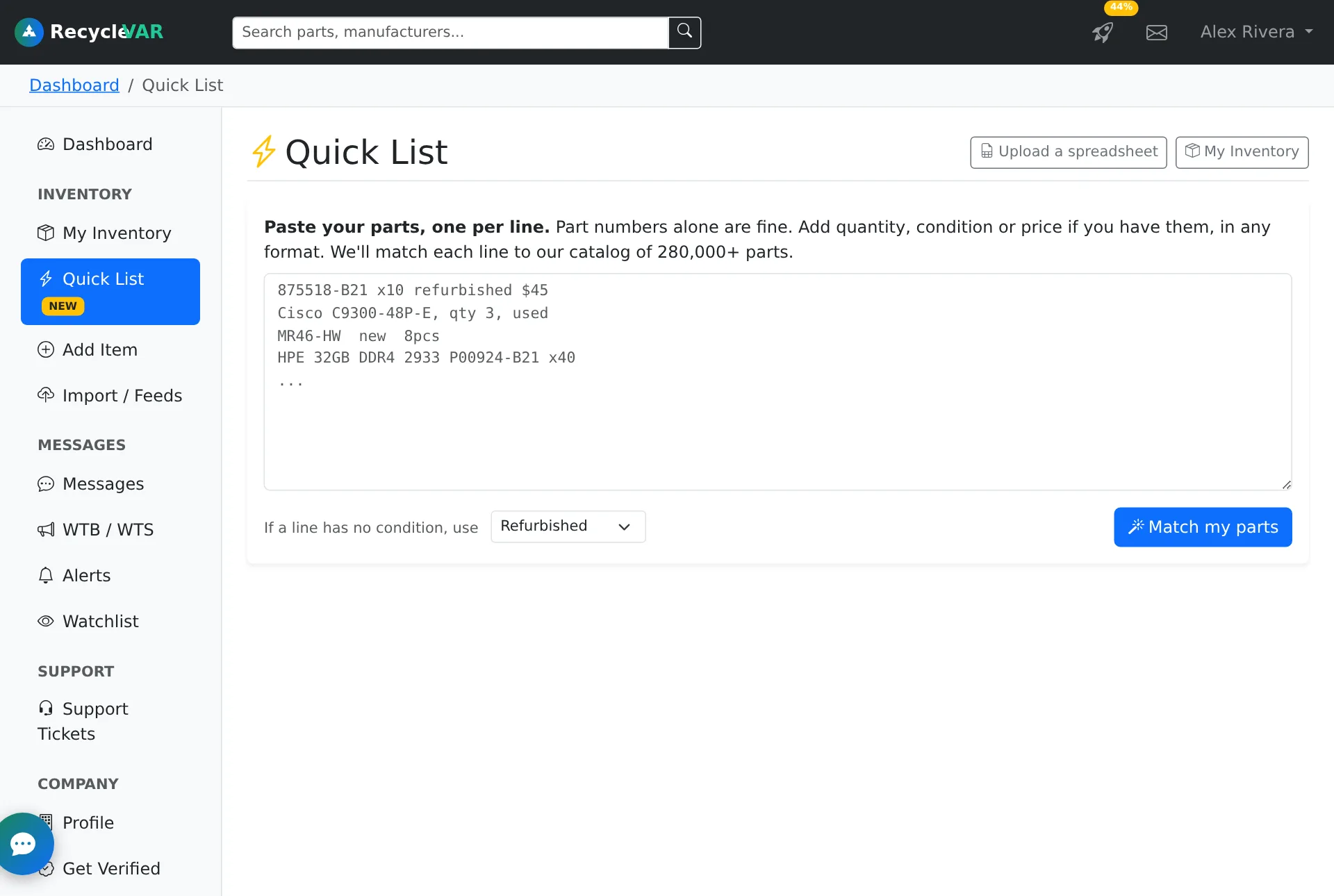
After you sign in, click Quick List in the left menu of your dashboard (or go to recyclevar.com/dashboard/quick_list.php).

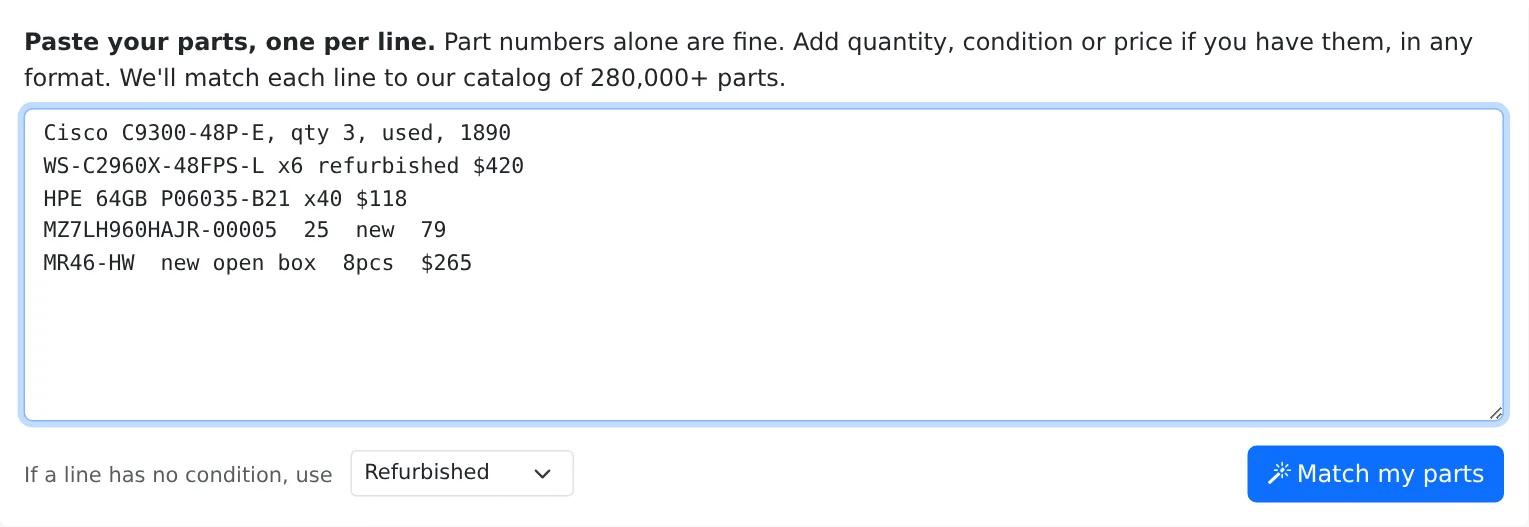
A part number on its own is enough. If you have quantity, condition or price, add them in whatever format you already use: we read x40, qty 3, 8pcs, $265 and plain numbers alike. For example:
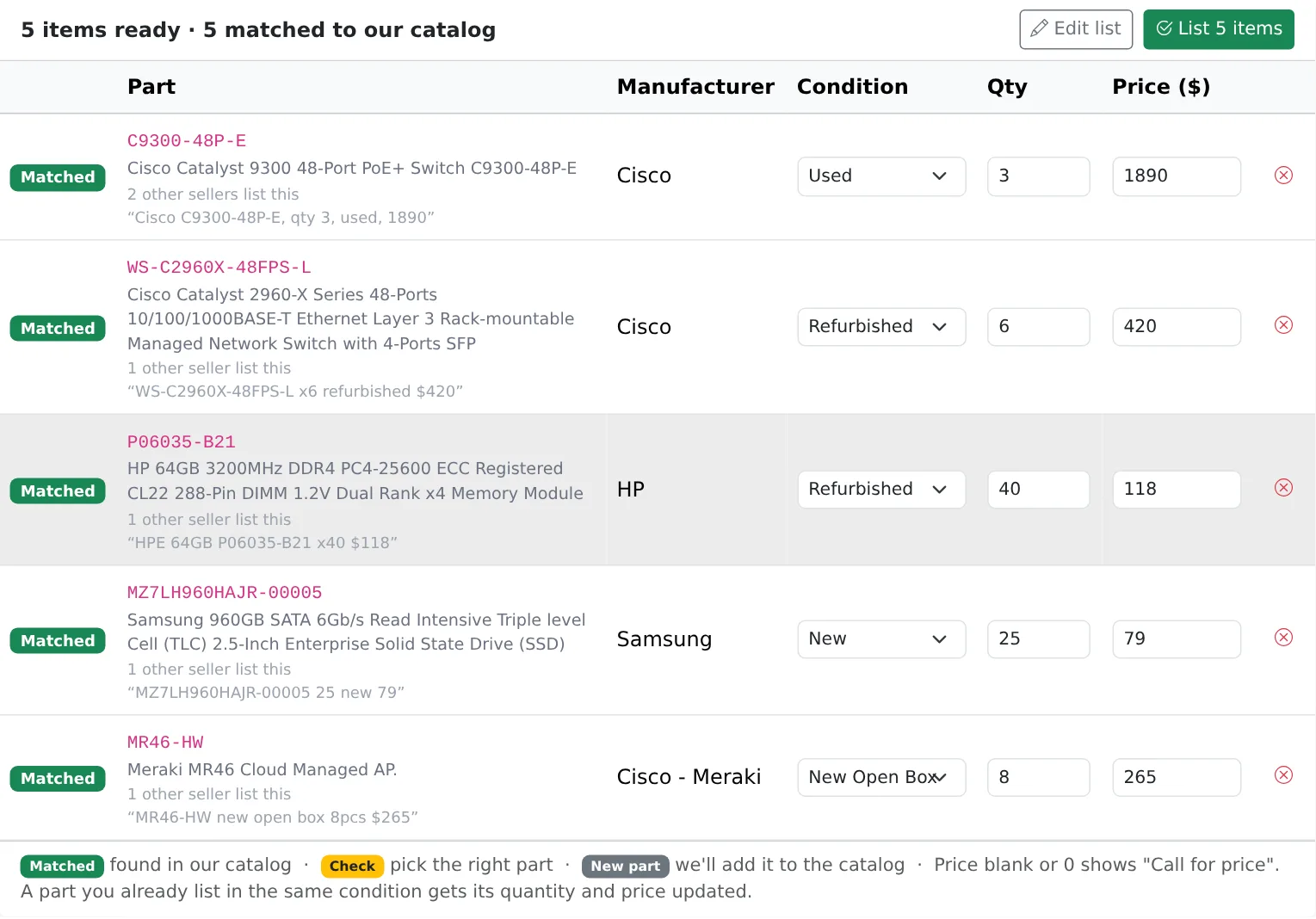
Cisco C9300-48P-E, qty 3, used, 1890 WS-C2960X-48FPS-L x6 refurbished $420 HPE 64GB P06035-B21 x40 $118 MZ7LH960HAJR-00005 25 new 79 MR46-HW new open box 8pcs $265
Pick the condition to use for lines that don't say one, then click Match my parts.

Every line is matched against our catalog of 280,000+ parts, so your listing gets the right manufacturer and a full description automatically. You can change any condition, quantity or price right in the table, or remove a line with .
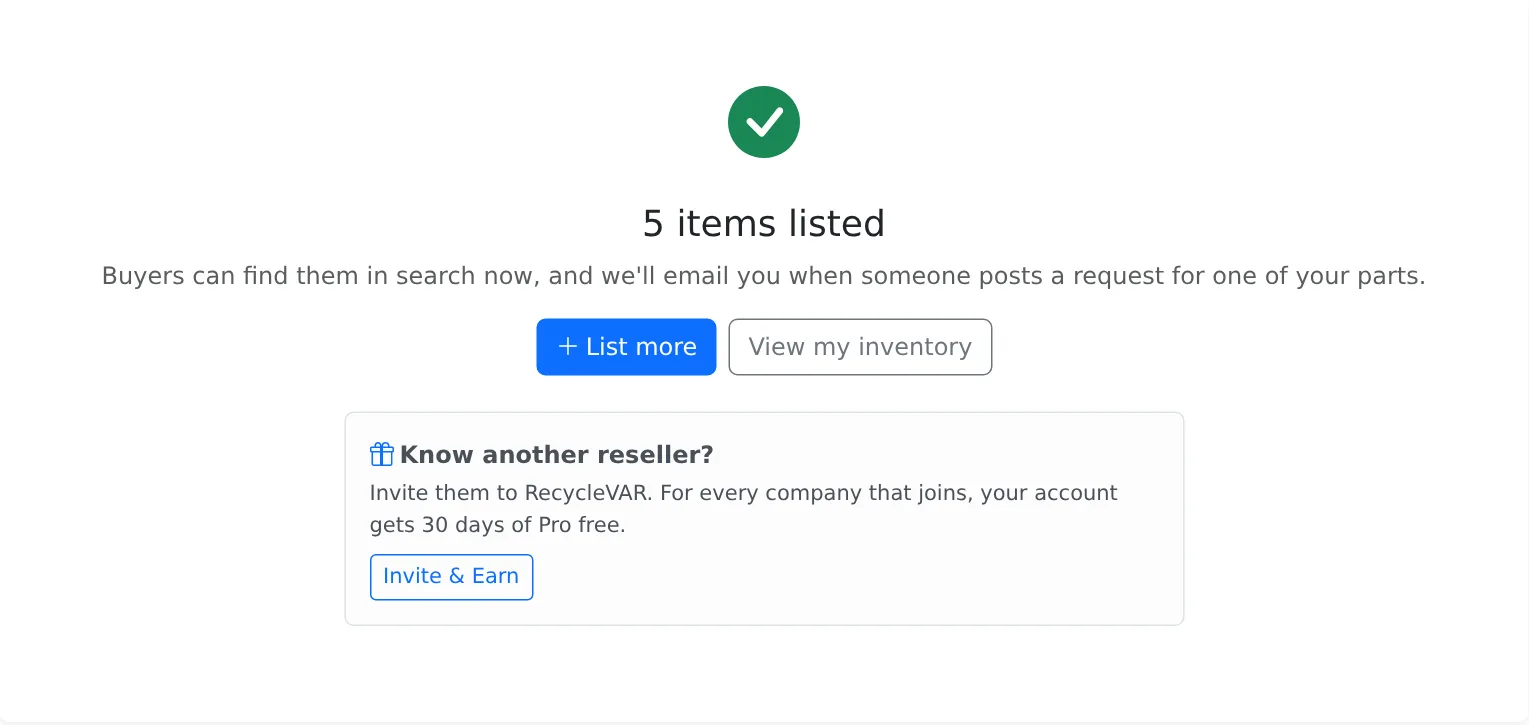
When it looks right, click List items.

Buyers can find your parts in search straight away. When someone posts a Wanted request for one of your parts, we email you.

For your whole stock list. Works with CSV, TXT, XLS and XLSX, with your own column names in any order.
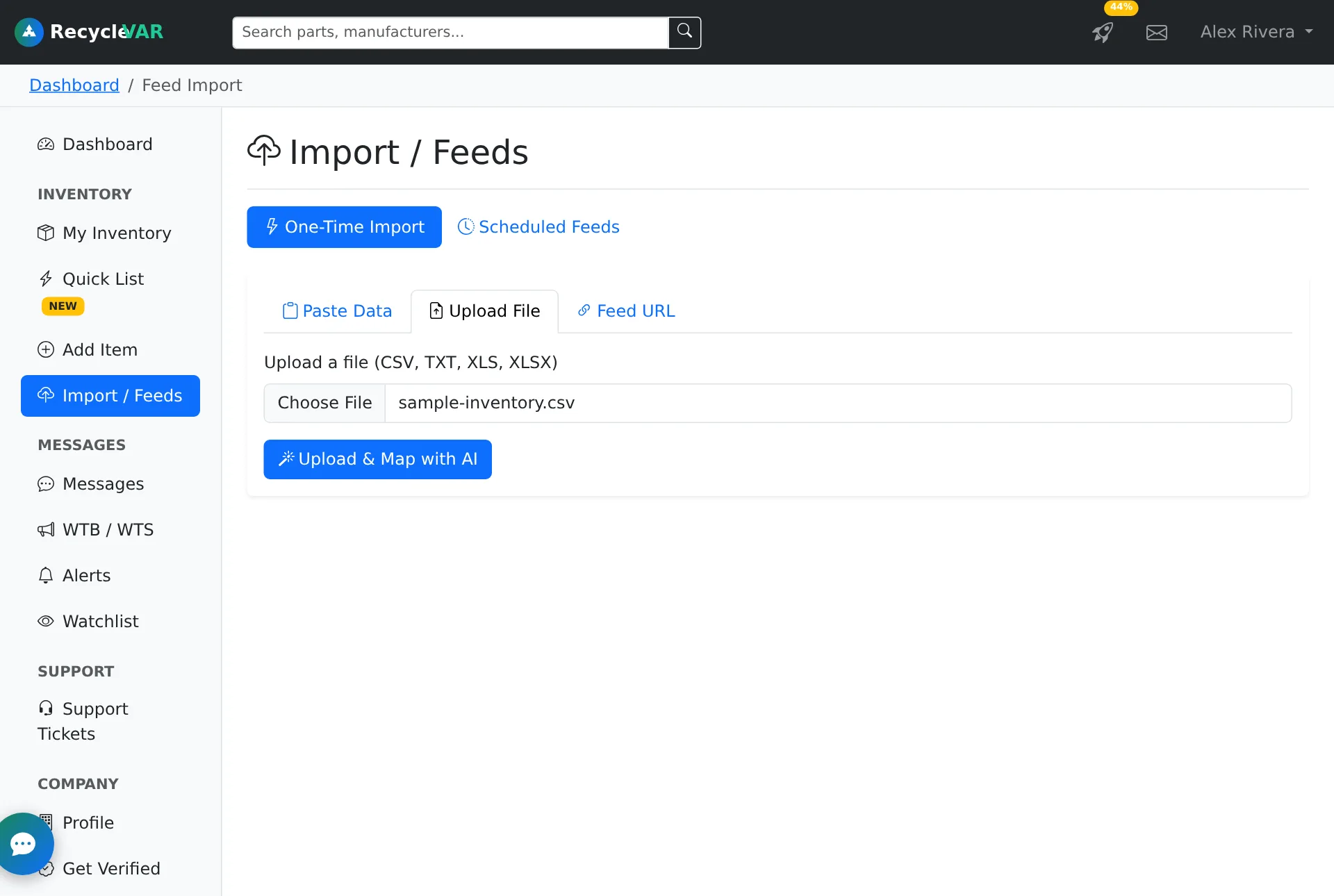
Go to Import / Feeds in your dashboard, open the Upload File tab, pick your file and click Upload & Map with AI. You need a part number column; manufacturer, description, quantity, price and condition are used when present. Not sure what to send? Download a sample file.

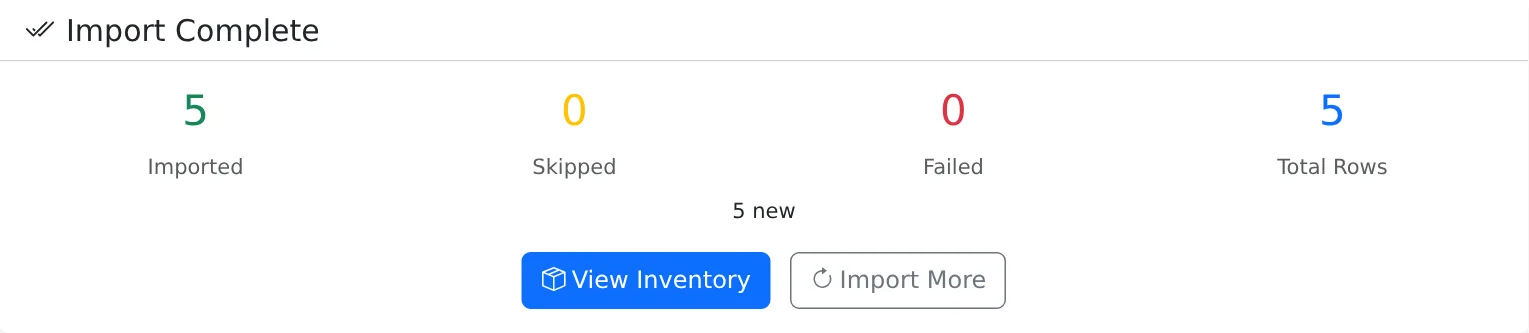
AI works out which column is which (part number, brand, quantity, price, condition) and imports the file. You see how many rows were added, updated or skipped.

When you want to add more detail to a single listing.
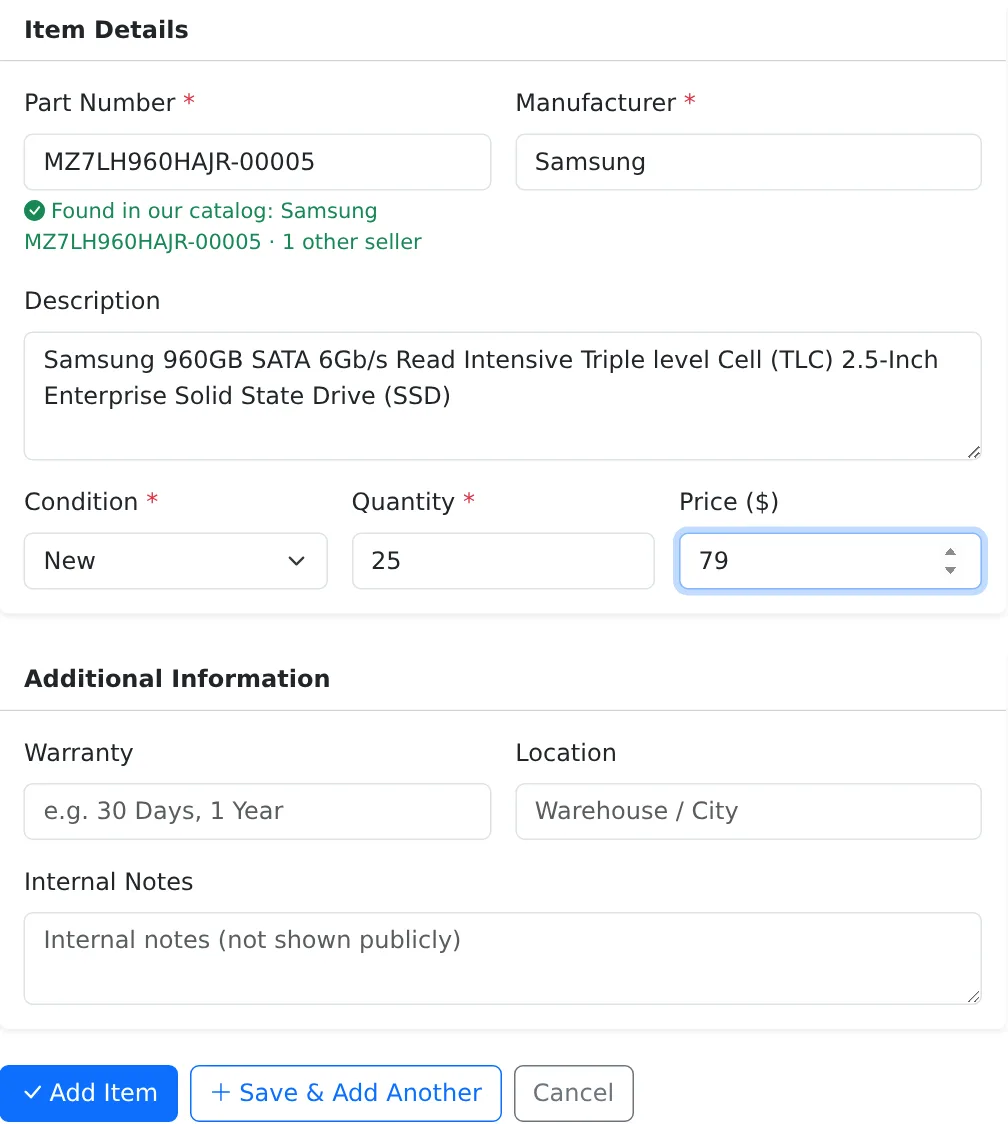
Click Add Item in your dashboard and type the part number. If it's in our catalog, the manufacturer and description fill in for you. Set condition, quantity and price, add warranty or location if you like, and click Add Item (or Save & Add Another). Internal notes are never shown to buyers.

Paste a few part numbers now and see them matched.
Create your free accountQuestions? Send us a message, we're happy to help you load your first list.